Overview
GPU tests on the BossBenchmarks channel focus on the actual experience of playing games across various settings and resolutions. While raw numbers are important, the primary goal is to show how a card performs in a realistic gaming environment.
I minimize background activity like Discord or heavy browser usage, but I do not obsessively strip down the operating system. Most gamers play with background apps running, so these tests reflect the performance you can actually expect.
Hardware Consistency
- The test bench utilizes an AMD Ryzen 7 9800X3D and 64GB of DDR5 RAM to eliminate bottlenecks.
- All games are installed on high speed NVMe Gen4 SSDs for consistent streaming.
- Every GPU is tested in the same chassis with the same thermal environment.
- GPUs are stored in original packaging or antistatic bags when not in use.
Installation Procedure
- The system enters Safe Mode for driver maintenance.
- I run DDU for a full factory shutdown and driver removal.
- The new GPU is inspected and installed.
- The latest public WHQL drivers are installed outside of Safe Mode.
Capture Methodology
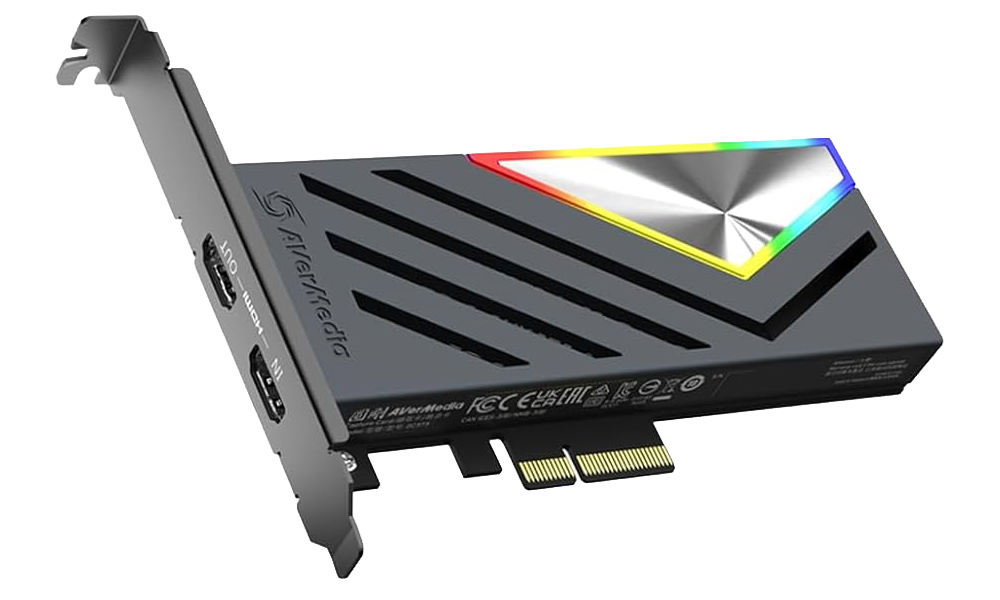
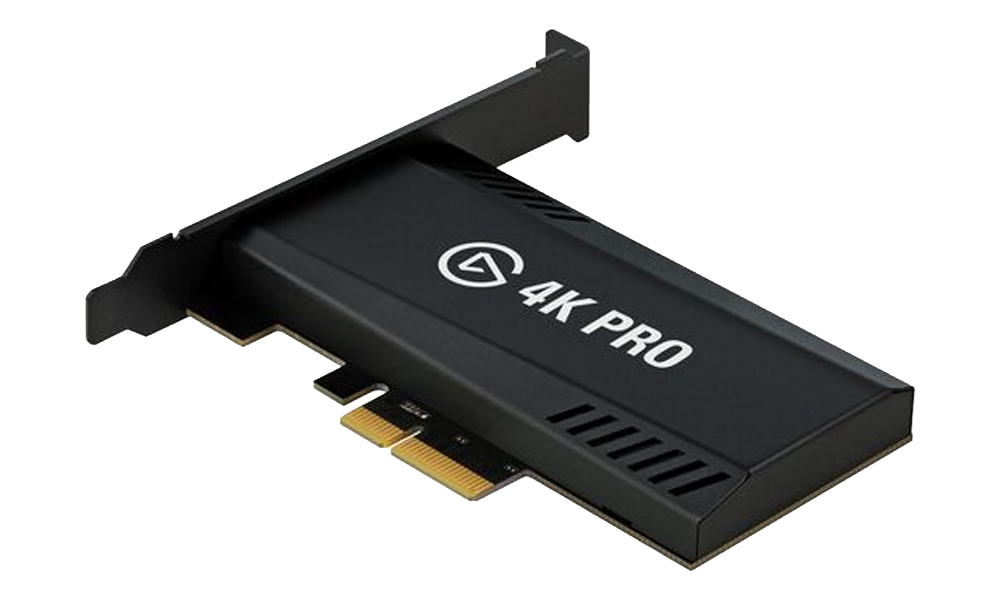
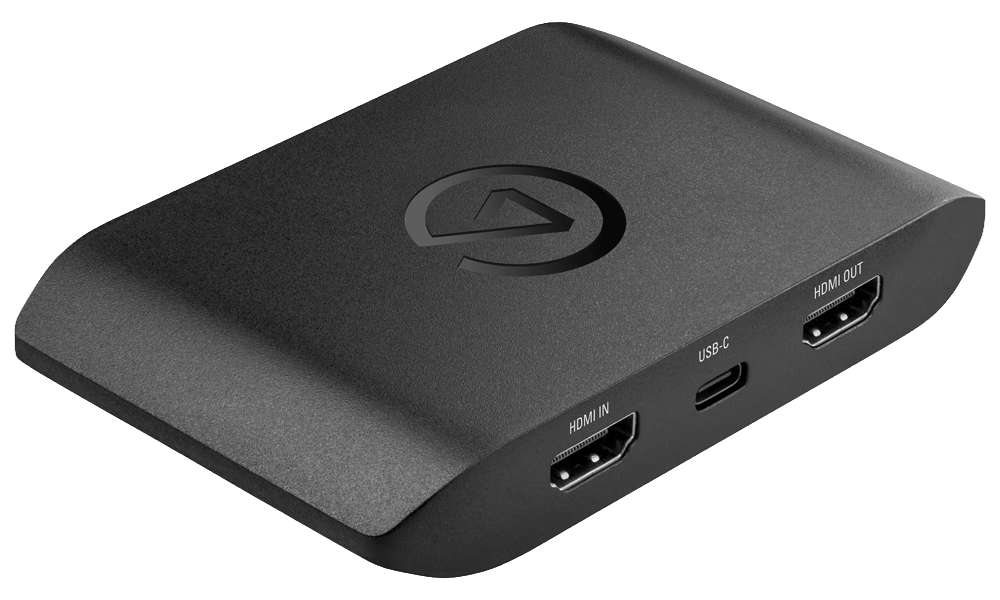
To provide 100% accurate results, recording is never done on the benchmark PC. This removes recording overhead. All footage is recorded on a separate dedicated streaming PC using high bandwidth capture cards.